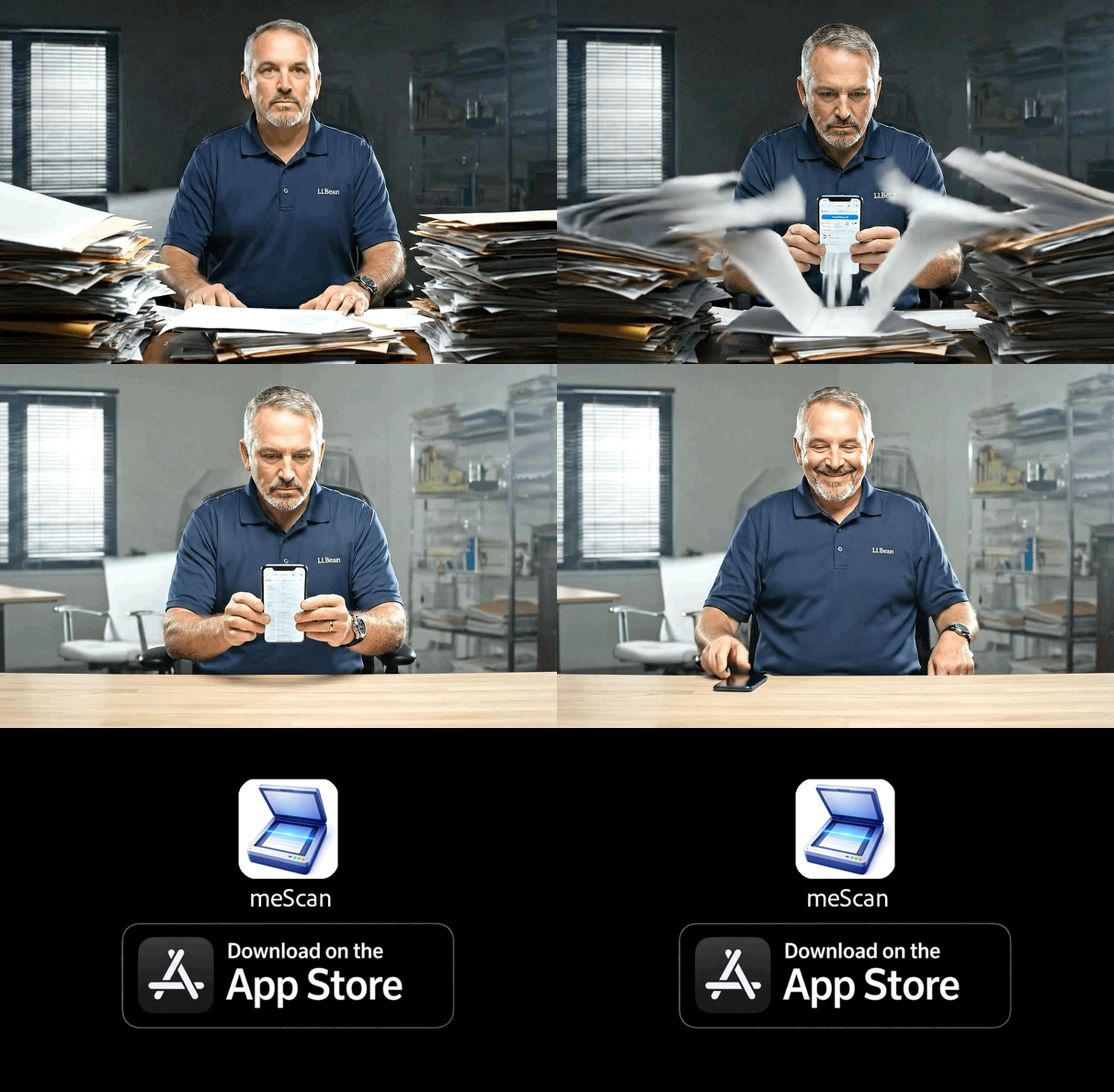
What is meScan?
meScan is a professional document scanner app for iPhone that transforms your device into a powerful document management tool. It features advanced OCR (Optical Character Recognition) technology, legal-grade digital signatures with GPS tagging, cloud backup integration, and smart organization features. meScan is designed for contractors, small businesses, and professionals who need reliable document scanning and management.
How does meScan's OCR technology work?
meScan uses advanced OCR (Optical Character Recognition) technology to extract searchable text from scanned documents. Simply scan a document with your iPhone camera, and meScan automatically recognizes and extracts text, making your documents searchable and editable. This is perfect for converting paper documents, receipts, contracts, and forms into digital, searchable PDFs.
Can I add digital signatures to documents with meScan?
Yes! meScan includes legal-grade digital signature functionality with optional GPS location tagging. When you sign a document, meScan can attach metadata including GPS location, timestamp, device information, and an integrity hash (SHA256) to verify the document hasn't been altered. This makes your signed documents legally defensible and perfect for contracts, permits, receipts, and other important documents.
What cloud storage services does meScan support?
meScan integrates with popular cloud storage services including iCloud Drive, Google Drive, and Dropbox. You can seamlessly backup your scanned documents to your preferred cloud service, ensuring your important documents are safe and accessible across all your devices.
Is meScan good for contractors and small businesses?
Absolutely! meScan is specifically designed for contractors, small businesses, and professionals. It's perfect for scanning receipts, contracts, permits, job documentation, change orders, and delivery receipts. The digital signature feature with GPS tagging is ideal for field work, and the organization features help you keep all your business documents easily accessible and searchable.
How secure is my data with meScan?
meScan prioritizes your privacy and security. Documents are stored locally on your device by default, and we use bank-level encryption to protect your sensitive information. When you choose to use cloud backup, your data is stored according to the privacy policies of your chosen cloud service provider. meScan also includes integrity verification (SHA256 hashing) for signed documents to ensure they haven't been tampered with.
Can I share documents scanned with meScan?
Yes! meScan makes it easy to share your scanned documents. You can share individual files or entire folders via email, messaging apps, or secure links. This is perfect for sending documents to clients, customers, code enforcement, or collaborating with team members. All shared documents maintain their quality and can include signature metadata if applicable.
What makes meScan different from other scanner apps?
meScan stands out with its combination of professional features: advanced OCR for searchable documents, legal-grade digital signatures with GPS tagging and integrity verification, smart organization with folders and tags, seamless cloud backup integration, and a focus on contractor and business use cases. The app is designed to eliminate the print-sign-scan cycle and make document management efficient and legally defensible.